Image To 3D
Upload a photo and get a solid 3D model in seconds. Whether you build game props, print objects at home, design products, or make learning visuals, our image to 3D AI reads your picture and builds accurate shape and surface detail — then export a model you can use in your workflow.
What Is Image To 3D?
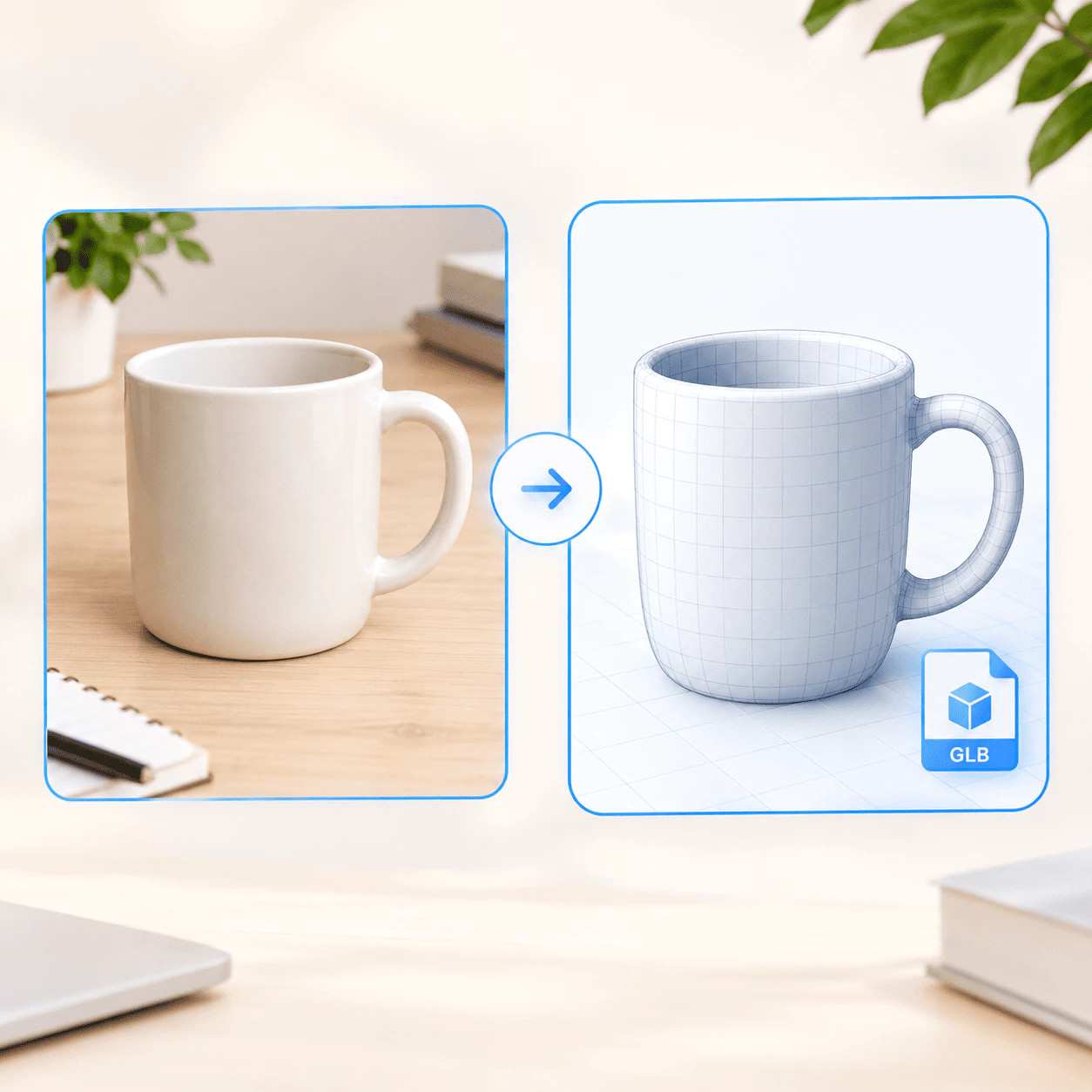
Image To 3D is an online AI service that turns one photo or illustration into a usable 3D model. You upload a reference picture, the system reads shape, edges, and surface detail from that view, and you get a mesh you can preview, refine, and use in games, printing, product design, or classroom projects — without building the model by hand in heavy desktop software.
- Upload Your Reference ImagePick a clear photo of the object you want in 3D. A full subject, good lighting, and a simple background help image to 3D read structure and proportions more accurately.
- AI Builds the 3D ShapeDuring image to 3D processing, the model studies shading, outlines, and depth cues in your picture, then creates geometry and applies surface detail so the result matches the look of your reference.
- Export Your Model FileDownload a GLB file when you are happy with the image to 3D preview. Open it in Blender, Unity, Unreal, or other 3D tools to edit, render, print, or drop into your project.
Why Use Image To 3D
Game makers, 3D artists, product designers, and teachers pick Image To 3D when they need a solid model fast and only have a flat photo or concept art to start from:
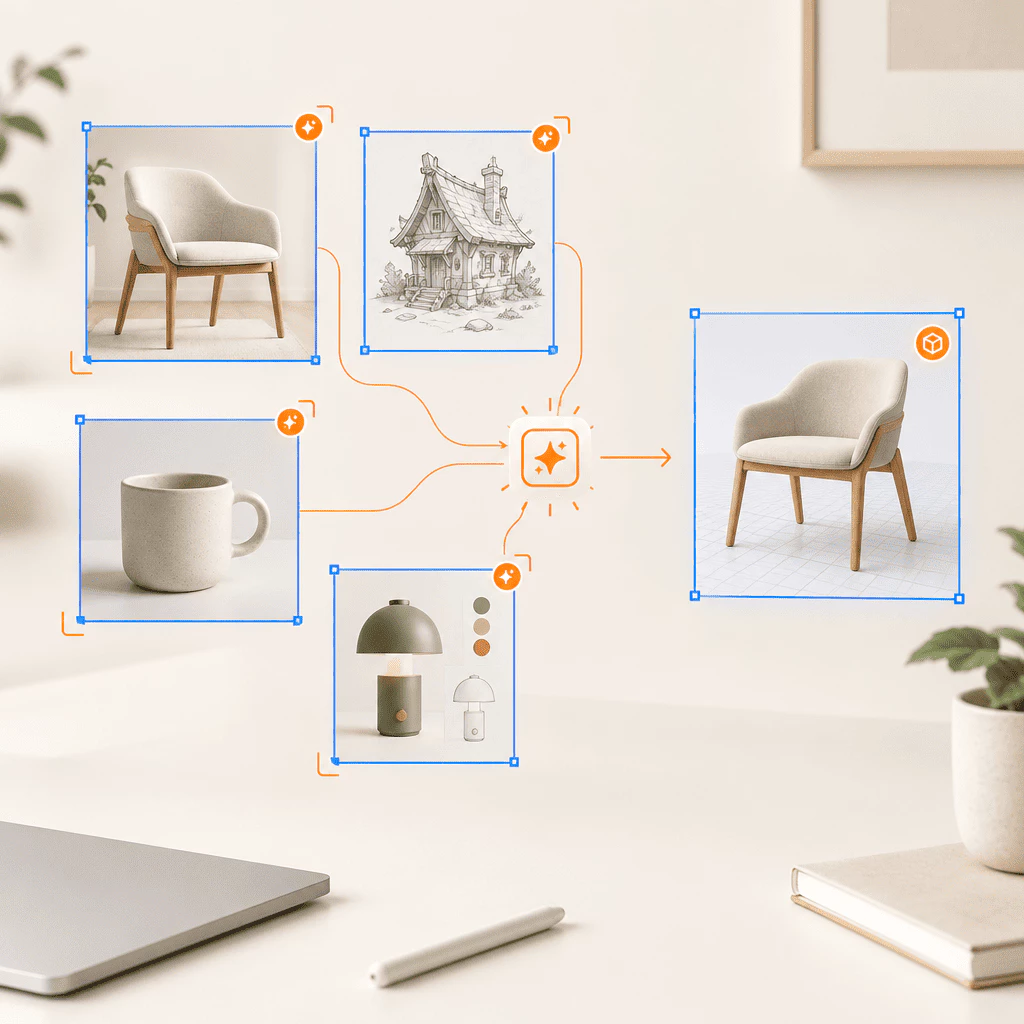
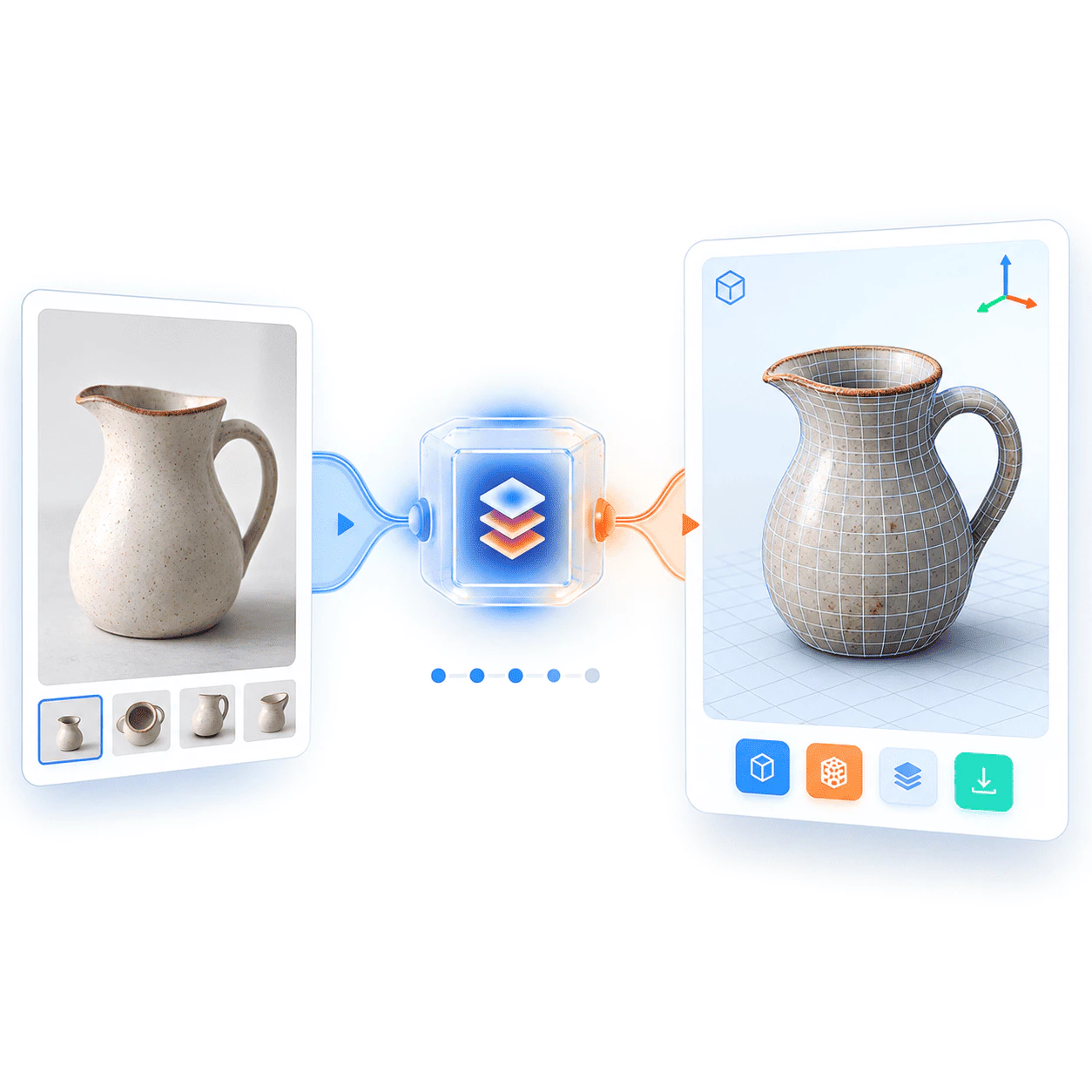
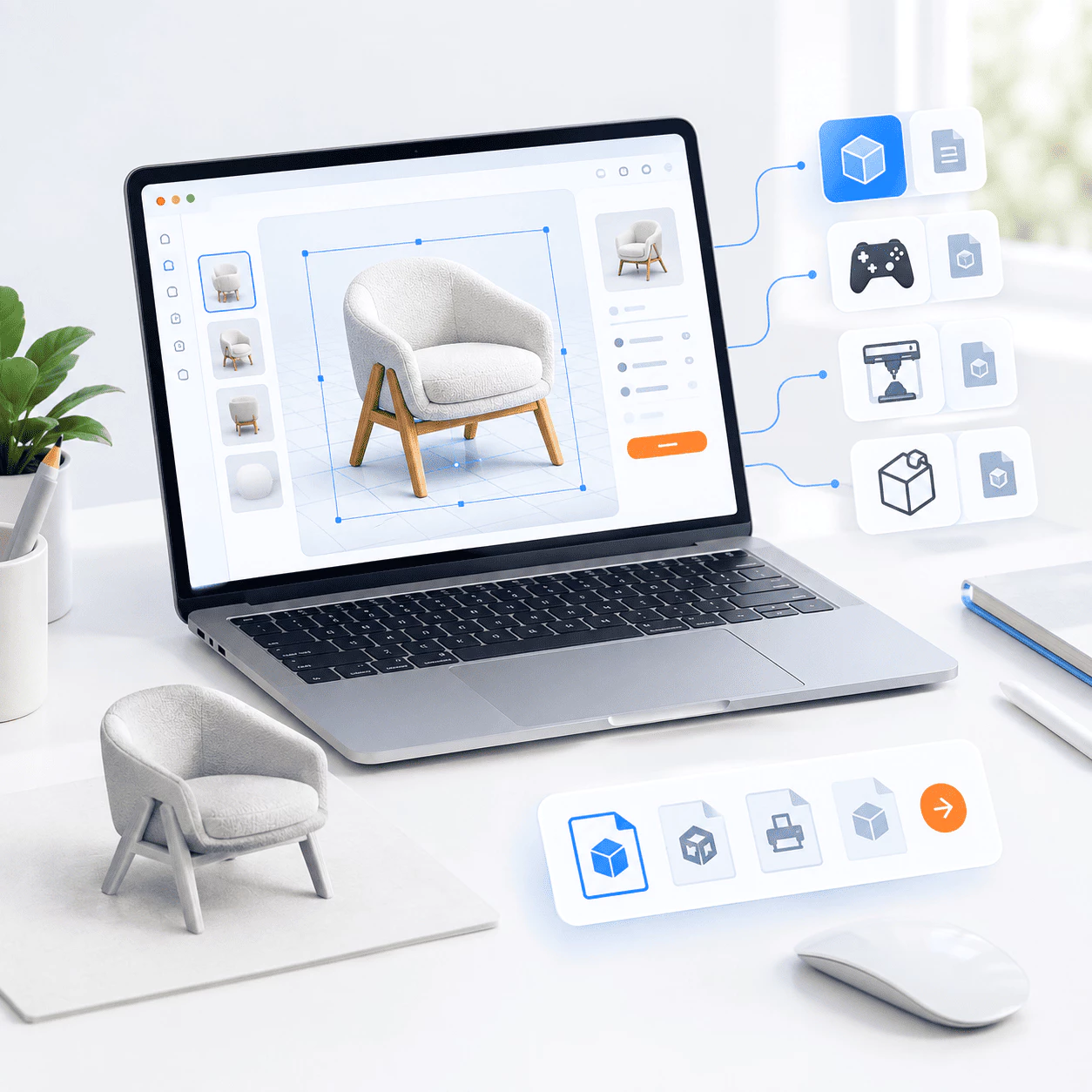
Image To 3D Core Features
See what you can build from a single photo or sketch with image to 3D — from quick game props to print-ready meshes and classroom demos:
Game Development
Turn concept art or reference photos into props, characters, and scene pieces faster with image to 3D. Test ideas in Unity, Unreal, or your engine without blocking on manual block-out modeling.
3D Printing
Start from a product photo or drawing and get a mesh you can scale, fix, and send to a slicer. An image to 3D workflow is handy when you need a physical object but do not want to sculpt every detail by hand.
Interior Design
Preview furniture, decor, or room objects in 3D from catalog shots or mood-board images. Use image to 3D to share a rotatable model with clients before you commit to full CAD work.
Education
Teachers and students can use image to 3D to turn textbook diagrams or museum photos into models they can inspect from all sides — useful for science, history, and design lessons.
Text to 3D
Describe an object in plain words and get a structured mesh in seconds. Pair it with image to 3D when you want to mix a photo reference with a written idea.
Two Model Modes
Each image to 3D run can output a textured mesh with UVs for realistic renders, or a geometry-only model with cleaner topology for retopo, animation, and game pipelines — then export GLB for your tools.
Turn a Photo Into 3D in 3 Steps
You do not need pro modeling skills — pick a clear reference, run image to 3D to build the mesh, and export when the preview looks good:
Upload Your Reference
Add the photo or illustration of the object you want in 3D to image to 3D. Product shots, concept art, and everyday camera photos all work when the subject is clear and well lit.
Generate the 3D Model
Choose textured or geometry-only output if you like, then start image to 3D generation. The AI reads depth cues from your image and builds shape, surface detail, and texture on the mesh.
Download and Use
Save a GLB file from your image to 3D export and open it in Blender, Unity, Unreal, a slicer, or any 3D viewer. Refine, render, print, or drop the model into your project.
Built for Photos and Sketches You Already Have
Image To 3D helps you go from a flat reference to a usable mesh for games, printing, product previews, and classroom demos — when manual modeling would take too long.
People Using the Tool
118K+
Developers, artists, shop owners, and teachers use it when they need a 3D starting point and only have a picture or concept art on hand.
Models Generated
230K+
From single props to whole batches of assets, teams run image to 3D jobs through the service to speed up early design and prototyping.
Countries
200+
Used across regions when projects move fast and rebuilding every object in a full 3D suite is not practical.
Common Questions About Image To 3D
Quick answers about image to 3D and turning photos into 3D models online — need more help? Reach out anytime.
What is Image To 3D?
It is an online AI service that builds a 3D mesh from one photo or illustration. You upload a reference picture, the system guesses shape, surface detail, and texture from that view, and you get a model you can preview and export as GLB. Use it for game props, print files, product previews, or teaching demos — without sculpting every part by hand in a heavy 3D app.
Why use this instead of manual modeling?
Building meshes from scratch in pro software takes time, training, and often many tools for export. AI reads your image and returns a usable base in minutes so you can refine in Blender, Unity, or Unreal instead of blocking out geometry all day. That helps when a milestone is close, you only have a flat concept, or you want many quick variations to compare.
How do I start?
Upload a clear reference image, pick textured or geometry-only output if you want, and run generation. Review the 3D preview, adjust settings if needed, then download GLB when you are happy. Open the file in your viewer or DCC tool to edit, render, print, or import into a game project. Most first-time runs are straightforward and do not need expert modeling skills.
Who is it for?
Indie game developers prototyping assets, 3D artists blocking shapes from references, product teams previewing objects, teachers showing models in class, and hobby makers exploring 3D printing all use the same flow. Anyone with a good photo or sketch who needs a mesh fast is a fit. It is built for speed and iteration, not for replacing every step of a film-quality pipeline.
What sets it apart?
It focuses on one path: one image in, structured 3D out. You can choose textured meshes for renders or cleaner geometry for retopo and games, then export editable GLB files. The workflow runs in the browser with a simple generate flow, so you move from reference to asset without juggling multiple desktop apps for the first pass.
When is it not the right tool?
It is not a full replacement for scan data, CAD parts with exact tolerances, or hero film assets that need hand polish. Tiny subjects, heavy blur, extreme angles, or busy backgrounds often give weaker meshes — use a clear, well-lit photo with the whole object visible. For best results, upload the largest, sharpest file you have and expect to refine tricky areas in your 3D software after export.